Choose a clear original
Scan the full print or photograph it sharply in even light. Avoid adding filters before upload.
MemorioPic
Add plausible color to a family photograph while keeping the original intact. Upload a clear scan, review the result and save both versions.
Colorize a photo →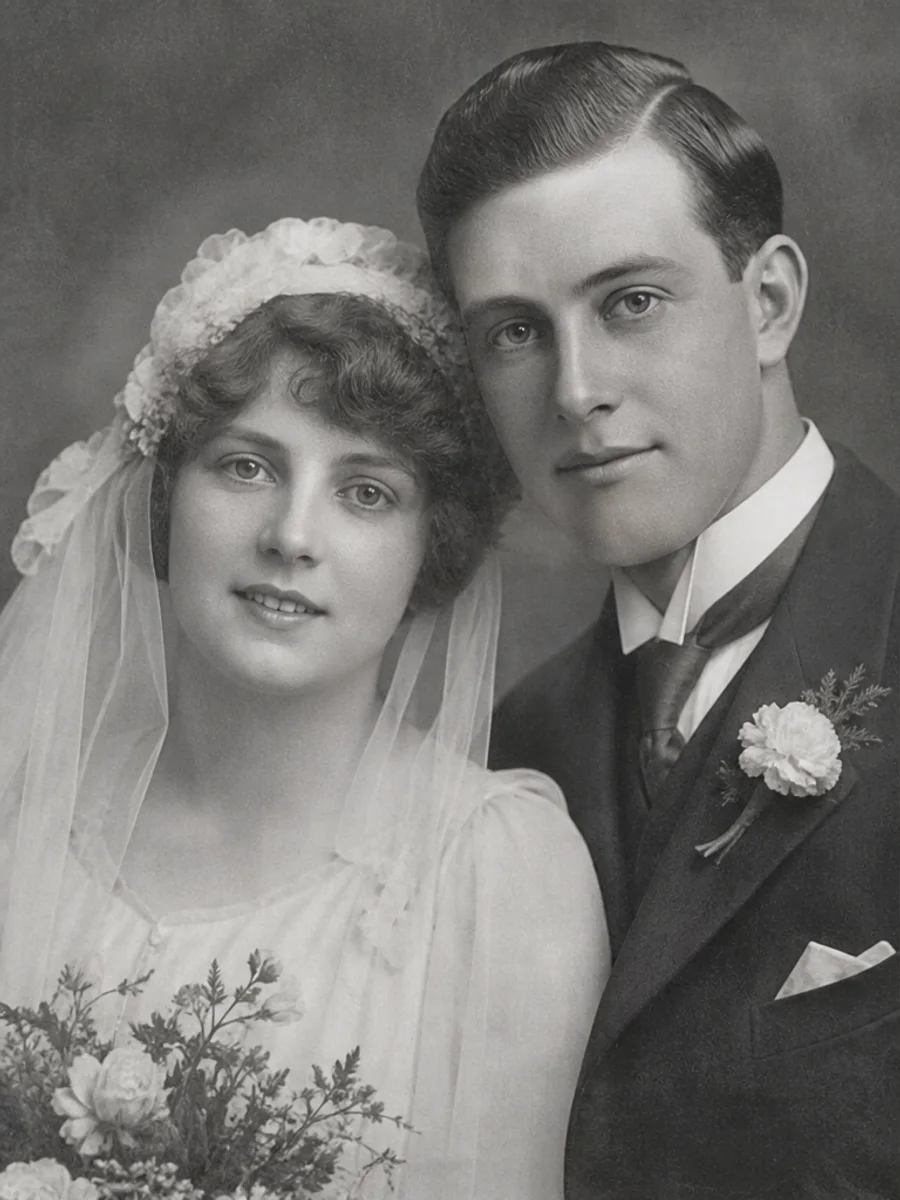
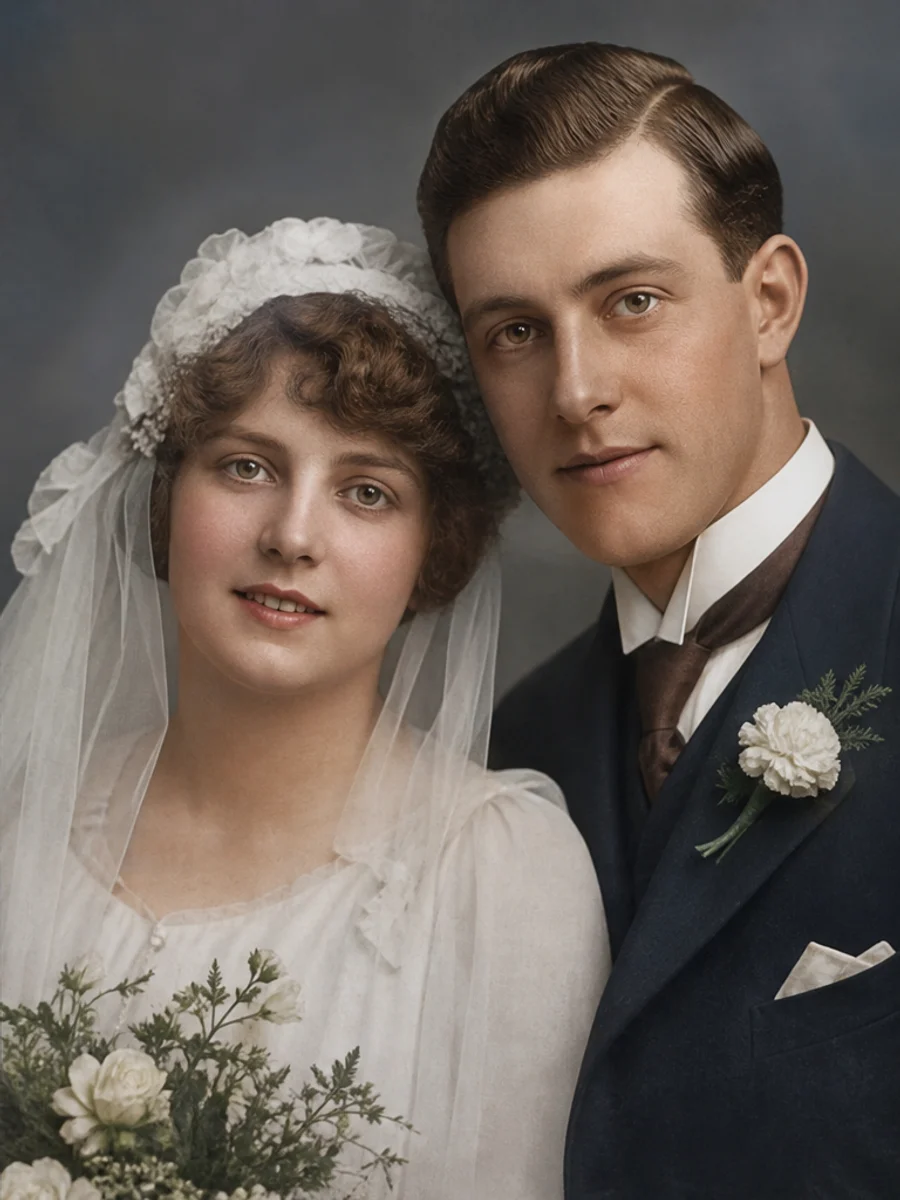
Scan the full print or photograph it sharply in even light. Avoid adding filters before upload.
Upload the file to the Colorize tool. MemorioPic prepares a new image while the source remains available for comparison.
Check faces, clothing and the background. Download the result if you like the proposed colors.
AI cannot know the historical color of clothing or eyes from a monochrome print. The result is a plausible suggestion, not evidence of how the scene really looked. Compare it with family records if historical accuracy matters.
Often yes, though a very faint image may benefit from enhancement first. Recoverable detail depends on the source file.
No. It estimates colors from the image; the real colors may have been different.