MemorioPic · Guide
What can AI restore in an old photo?
AI restoration can make a digital copy easier to view, but it cannot recover information that is no longer present in the source. It helps to distinguish repairing a visible defect from generating a plausible but unverified detail.
Try scratch removal →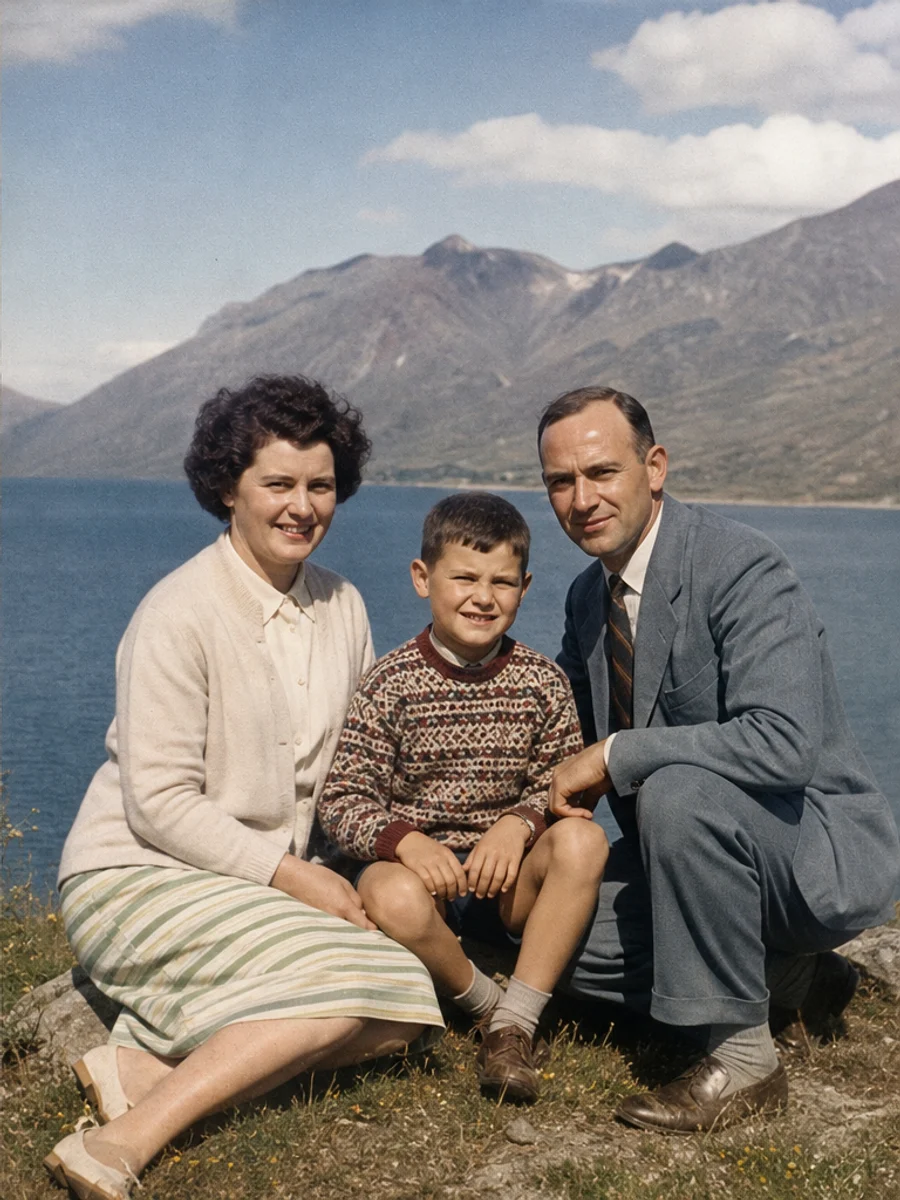
The type of damage matters
Scratches, dust and creases
Narrow defects surrounded by intact image areas can often be reduced. Still, check that the model has not changed eyes, mouths, fine lettering or other important edges.
Faded color and weak contrast
A tool can improve the appearance of a faded print and suggest color. It cannot prove the exact shade of a dress or a wall when the photo was taken.
Missing faces or large gaps
If a significant area is entirely gone, AI has to guess. The result may look convincing, but newly generated facial features should not be treated as historical fact.
How to judge the result
View the original and restored version side by side. Zoom in on eyes, hands, writing and damaged edges. If a person's likeness is especially important, keep a less aggressive edit or ask relatives to review it.
Start with a good copy
Make the sharpest practical scan and preserve it unedited. Then test scratch removal, enhancement or colorization on a copy. You can always return to the source if an AI interpretation does not look right.
Try scratch removal →