Repair damaged photographs
Remove visible scratches, stains, creases and faded areas from scanned prints or phone photos. Review the result against the original before you save it.
MemorioPic
Give family photographs a second life. MemorioPic helps you repair damage, recover detail and add natural-looking color while keeping the people in your pictures recognizable.
Try photo restoration →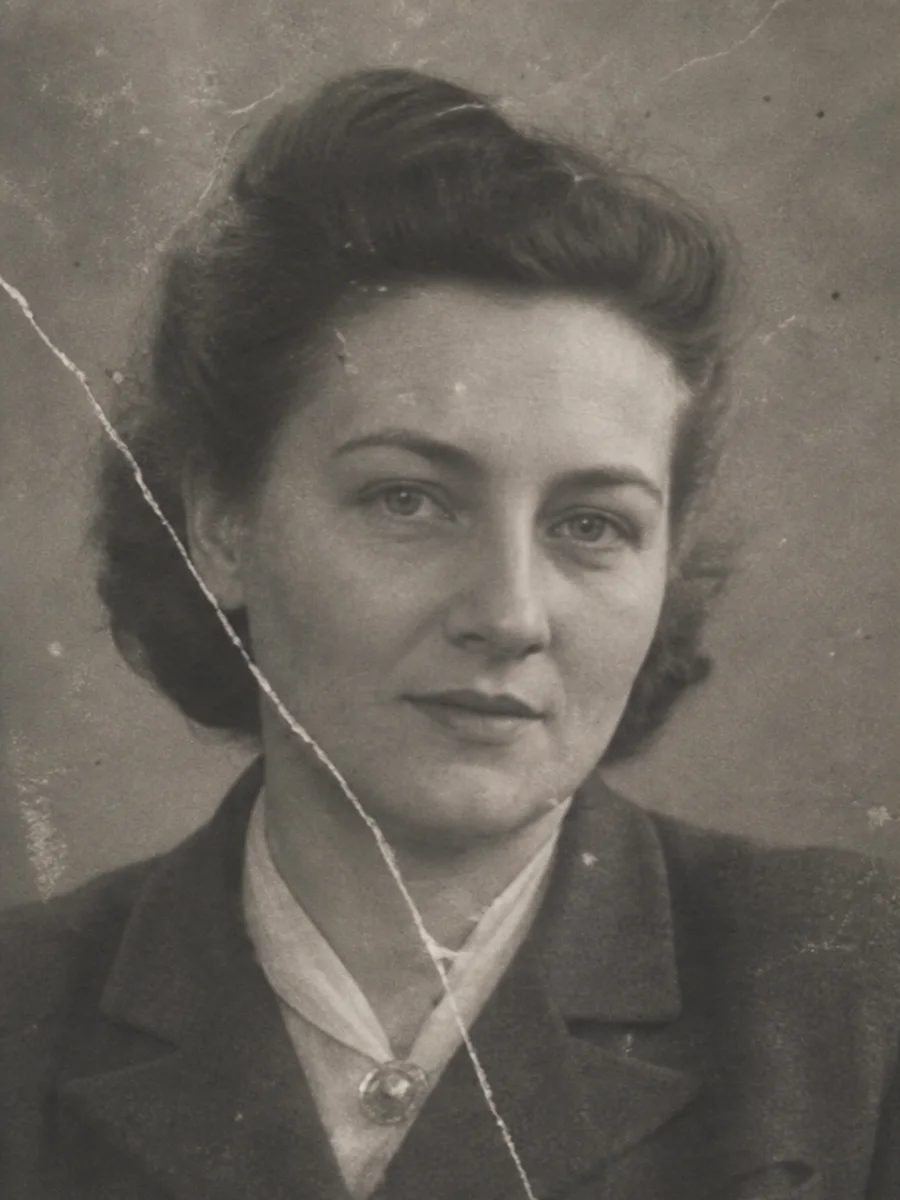
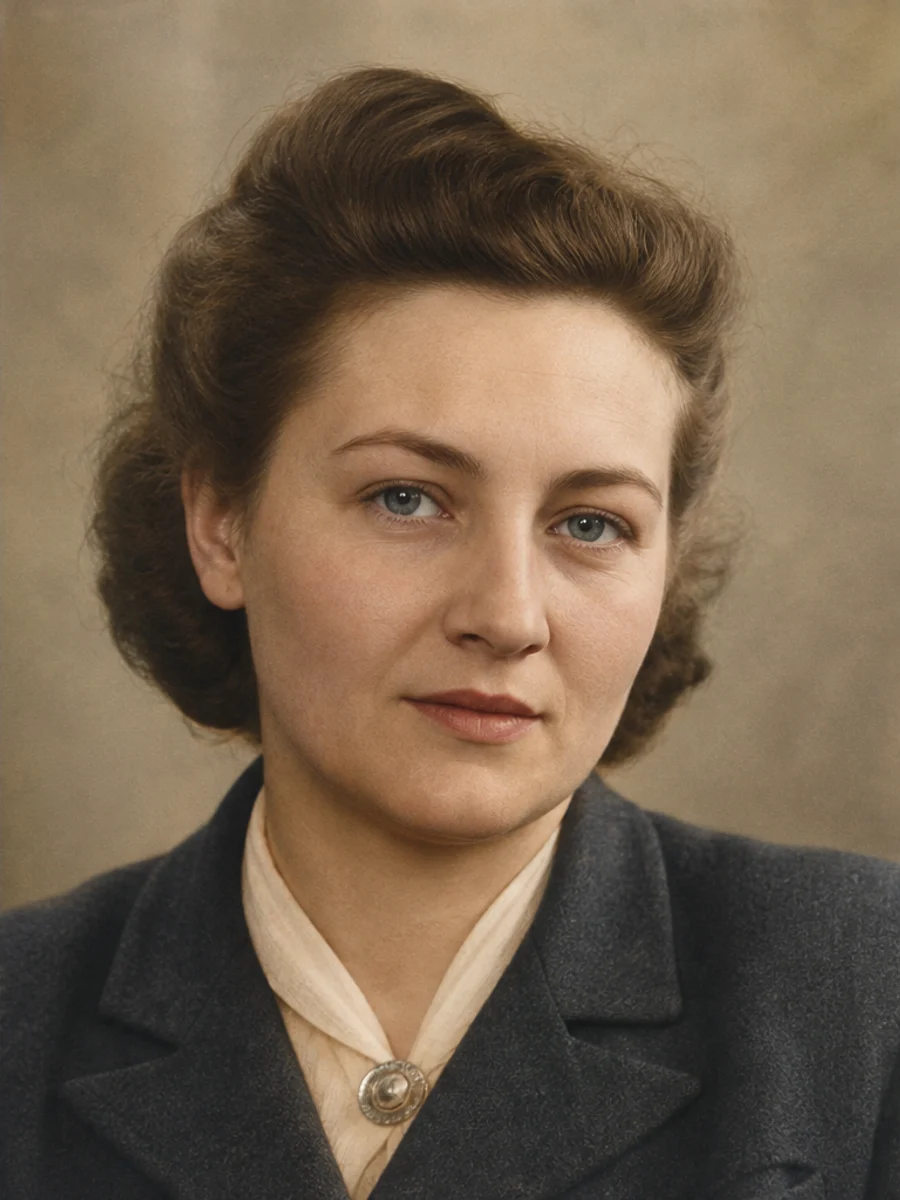
Remove visible scratches, stains, creases and faded areas from scanned prints or phone photos. Review the result against the original before you save it.
Add subtle color to monochrome family photographs or revive a faded color print. AI suggests colors; it cannot know the exact historical colors of every object.
The same studio also offers portrait enhancement, photo animation, caricatures and creative pet videos. Choose the tool that fits your photograph rather than applying every effect at once.
Choose an old family photograph, portrait or damaged print from your device.
Select restoration, scratch removal, colorization or another effect and follow the on-screen guidance.
Check the before-and-after result and download the image if it looks right to you.
Results depend on the source image. Large missing areas or very blurred faces may require interpretation, so always compare the output with your original.
No. AI estimates plausible colors; it cannot verify the exact colors present when a black-and-white photo was taken.
Projects and results are retained for a limited period. Read the current privacy and legal information before uploading personal photographs.