Make a digital copy
Scan the print or photograph it straight on in even light. Keep the full damaged image for comparison.
MemorioPic
Paper photographs can crack, fade and collect scratches. MemorioPic helps reduce visible damage in a digital copy while leaving the original print untouched.
Remove photo scratches →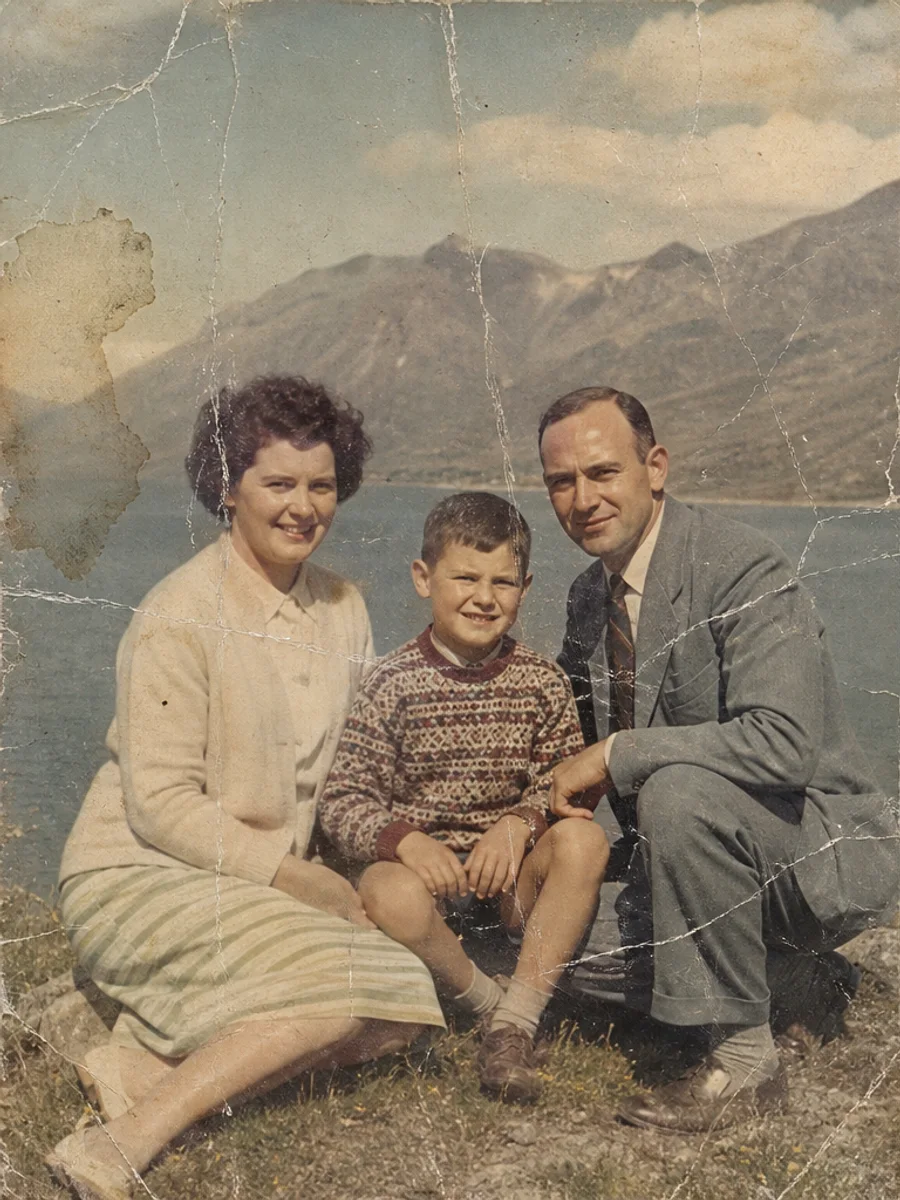
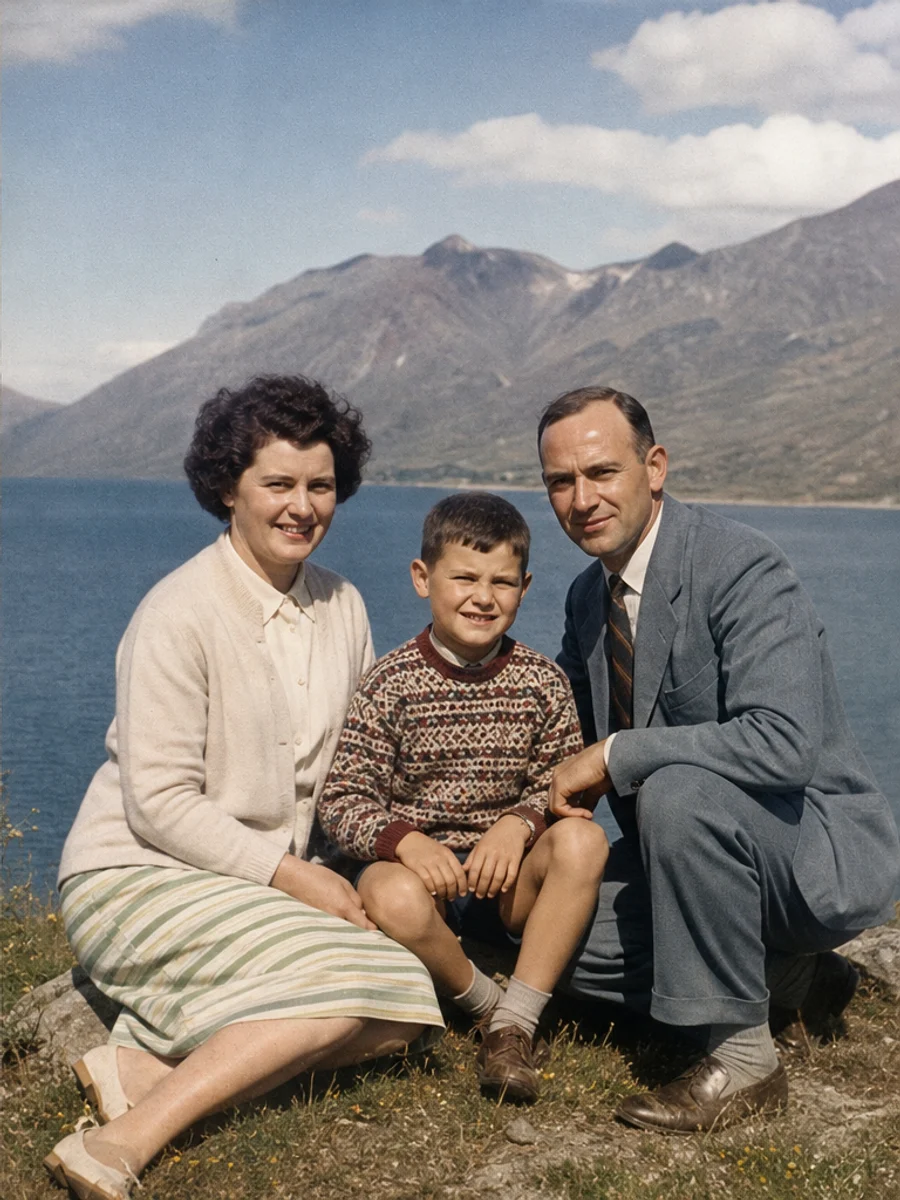
Scan the print or photograph it straight on in even light. Keep the full damaged image for comparison.
Upload the image to Remove Scratches. AI prepares a separate edited file.
Compare the result with the original, especially where damage crossed important details.
When part of a face or background is completely missing, AI may invent pixels to fill the gap. That can make a useful keepsake, but it is not a historically faithful reconstruction. Always keep the source scan.
No. Small marks are generally easier than large missing areas, severe blur or a missing part of a face.
No. The tool works on a digital copy; keep the paper print and source file separately.